Do you manage supply lists for your school or district? Get your supply lists on TeacherLists quickly and easily — making back-to-school shopping simple for every family. Families can shop their lists online or in-store at their preferred retailers.
TeacherLists is completely free for schools and families, ADA-compliant, and allows lists to be translated into multiple languages. Plus, it’s easy to embed directly on your school or district website.
Step 1: Gather Your Supply Lists
Collect supply lists for the upcoming school year.
Best Practice: Families love to shop early, collect your lists before summer break! If your school supply lists stay the same every year, mark them “evergreen” and they will automatically renew each year.
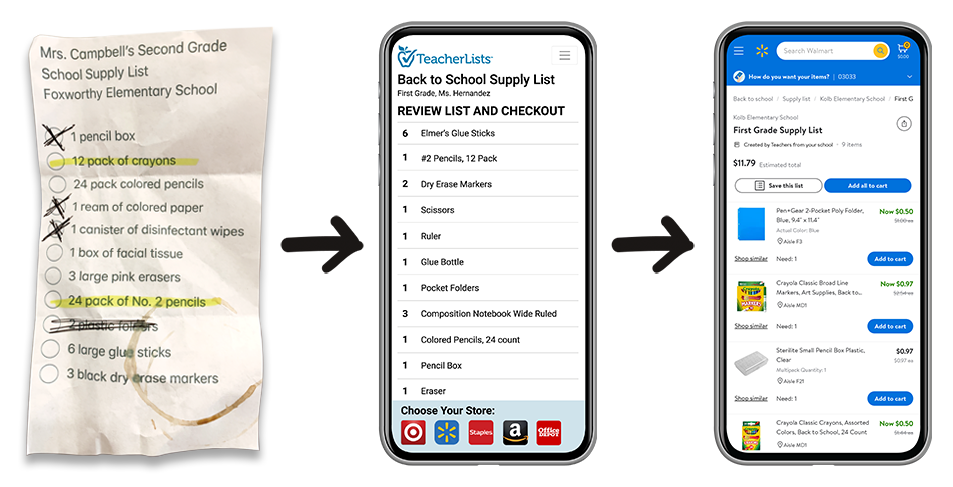
Step 2: Upload Your Supply Lists to TeacherLists
Upload your list(s) with our easy to use Powerloader. We accept most formats: .jpg, .doc, .pdf, etc.
Best Practice: Become your TeacherLists admin to oversee all lists for your school or district.
Do you manage a lot of supply lists for multiple schools? Our concierge service is here to assist you with uploading your lists. Click here to get started.
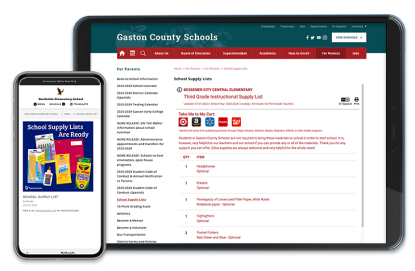
Step 3: Add Lists to Your Website
To make it easier for families to find your supply lists it’s best practice to use the TeacherLists embedded module on your school or district website. You can add it to any page with our iframe code. Families can even translate the lists instantly into multiple languages, making them accessible to your whole community.
Schools who add their lists to their site often see more families using the lists and fewer questions to the front office.
Step 4: Watch for the “Lists Are Live” Email
Once digitized, your lists go live on TeacherLists and major retailers like Target, Walmart, and more.
Best practice: You can share an individual supply list, an entire school page, or a district page with a simple click. Our email will walk you through it.
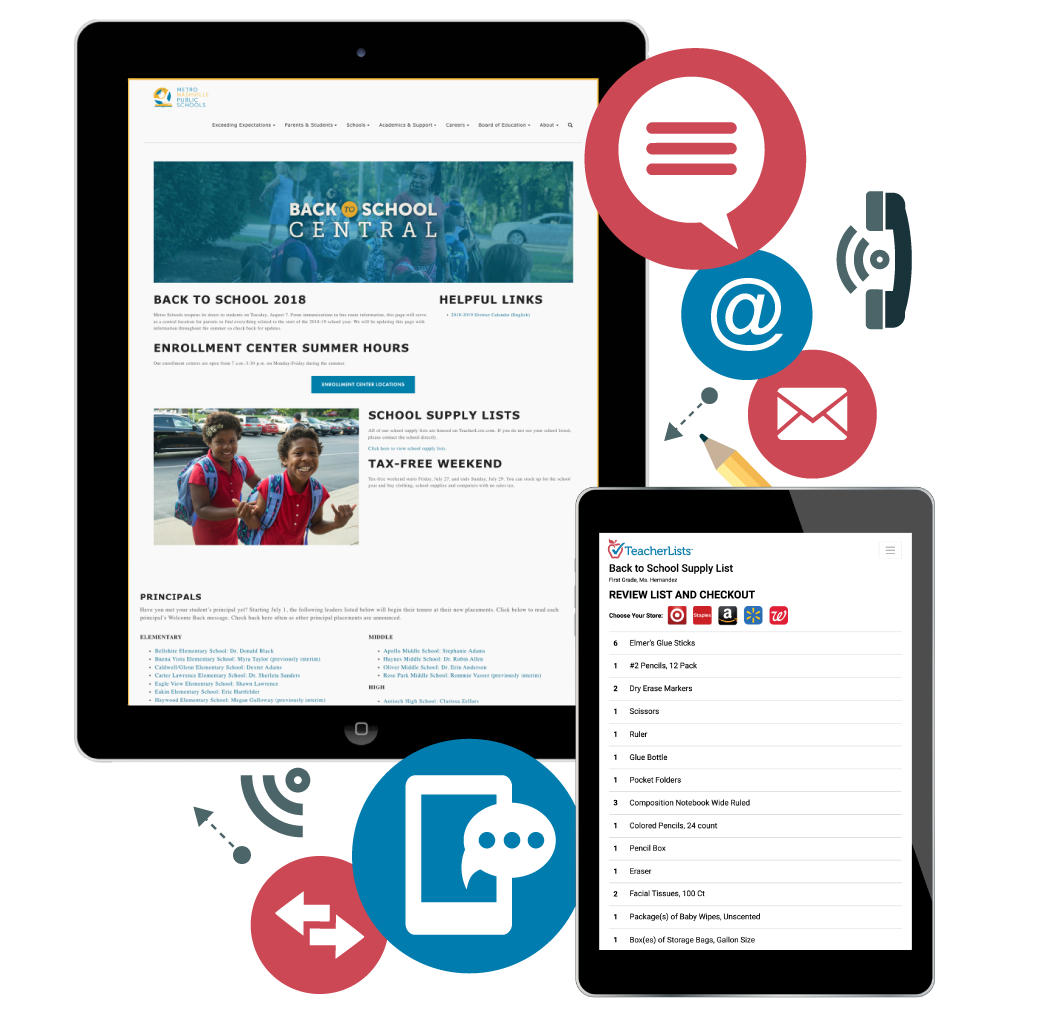
Step 5: Share with Families
Let families know their lists are ready — and remind them often!
Best practice: Share your TeacherLists supply list link with families about every two weeks via email, Facebook, SMS, Remind, or however you prefer to communicate with families.
Download ready-to-use graphics, flyers, templates, and GIFs.
Need Help or Have Questions?
Our team is here to support you every step of the way.
Chat with us instantly using the chat icon at the bottom right of your screen, or contact us here.